
Quant research you can trust, on your own computer.
MTS Lab is the research environment for the trading system: ideas as code in Python and C++, every run recorded so it can be compared and reproduced, backtests on the same engine as the trading system, and an AI agent that works in the project with you. It runs on your laptop, or on your research server and opens from your laptop.
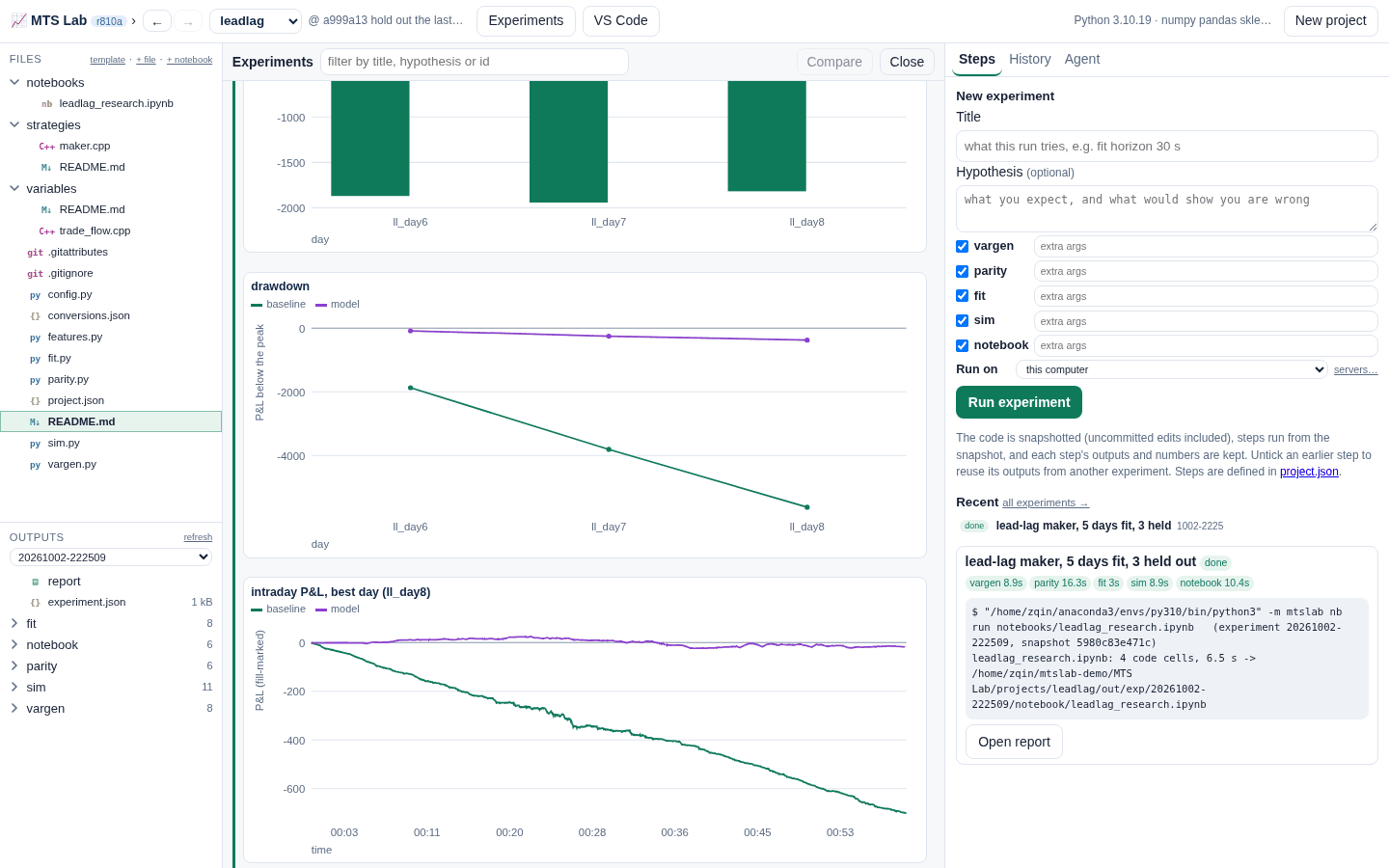
The research loop
A project is a folder of code under git. Its steps are scripts you can read and change; the Lab runs them as experiments and keeps everything.
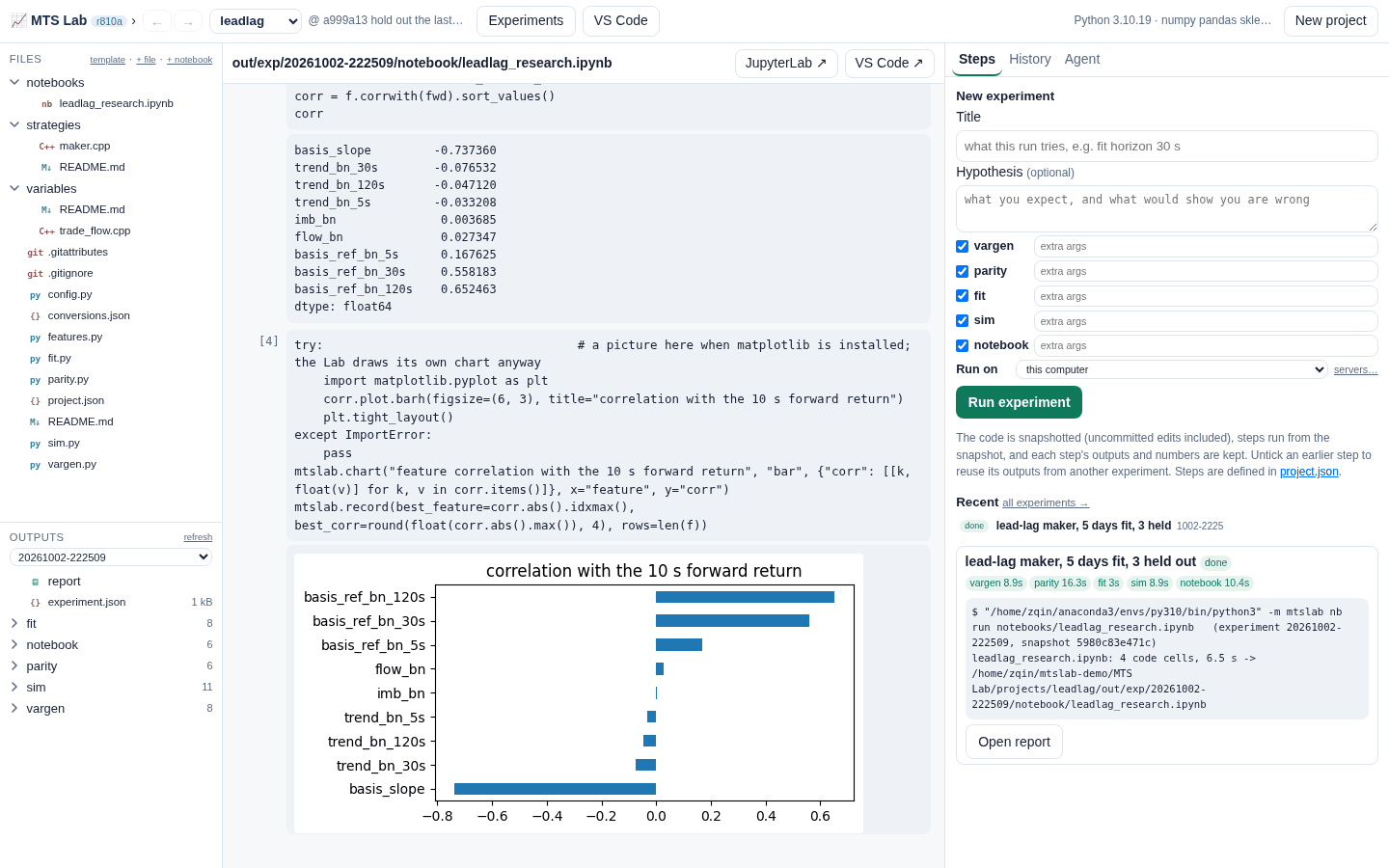
A notebook on the same tapes the engine replays (mtslab.data), in JupyterLab or VS Code.
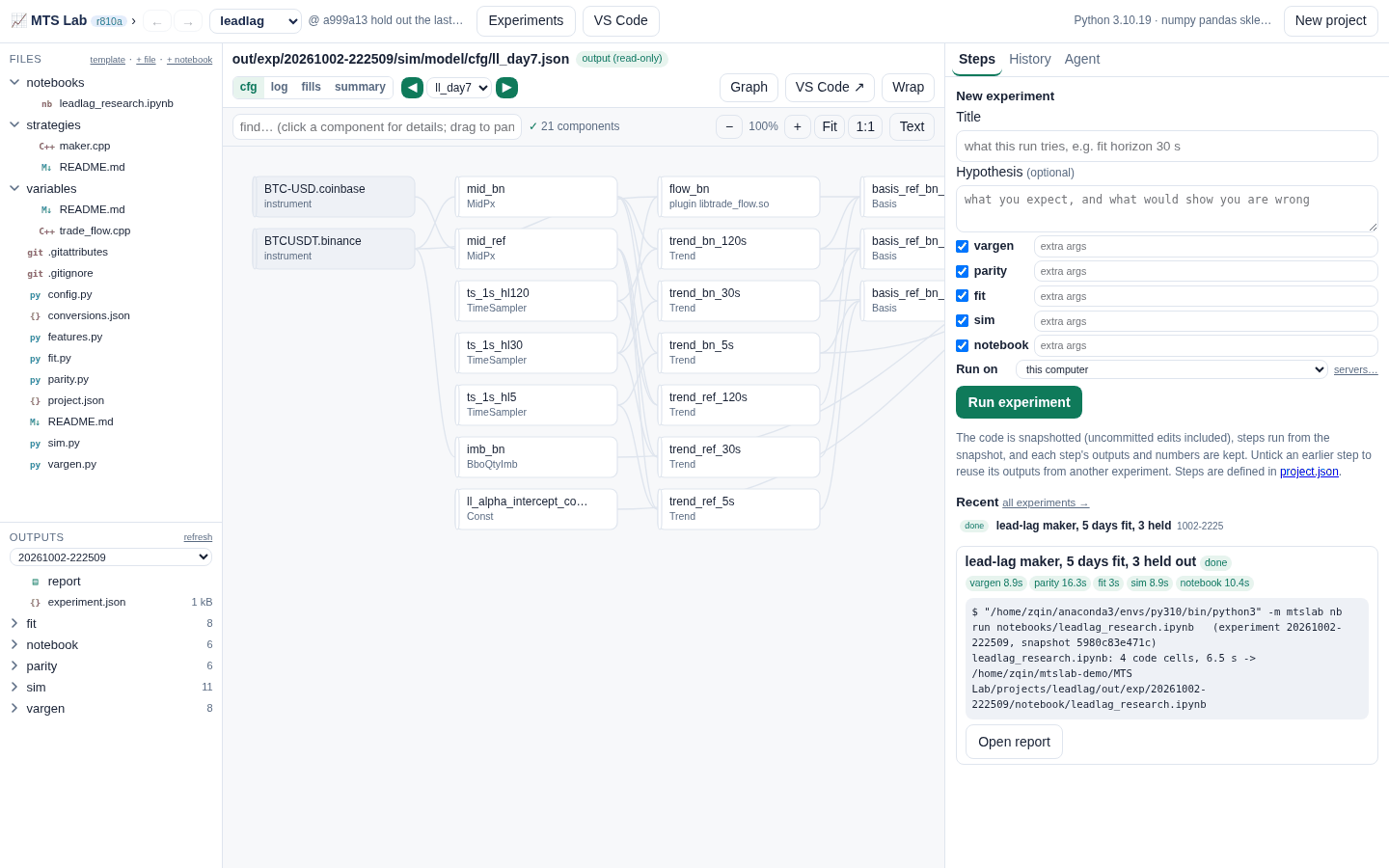
Variables and models from components; new ones in C++. A parity step proves the engine computes what the notebook did.
vargen, fit, sim, here or on a server, Slurm or Kubernetes. The code is snapshotted, outputs and logs kept per day.
Experiments side by side: code diff, metrics, overlaid curves. A verdict on each; rerun any of them exactly.
What it gives you
Experiments, recorded
Every run is an experiment with its code snapshot, the libraries' commits, the engine version, the data's hashes, metrics, charts and the per-day cfgs and logs. Compare any two, rerun any one.
One engine for research and trading
Backtests and datasets run on the MTS Platform engine: the same strategy and component code paper-trades on live public data. No second implementation to drift.
Notebooks, checked
Research freely in pandas, then convert to engine components with the agent. A parity step matches the two row for row, so what the notebook found is what the backtest trades.
Your quant library
Pricing models, samplers, variables, models and strategies in one C++ library, with Python beside it and tests. Projects pin a version; every experiment records the commit.
An agent in the project
Your own Claude Code, with the project's tools only: it reads results, edits code you then review, runs only when asked and commits only when the change is settled. Pick a fast or a capable model per chat.
Laptop, server, cluster
Keep the workspace on a research server and open it from your laptop over ssh, nothing to set up. Run experiments on a server, Slurm or Kubernetes / OpenShift.
Your data
The engine replays a simple, documented file format: 128-byte events for best bid/offer, trades and funding. Record live public feeds with the recorder that ships with it, or ask the agent to download and convert data from anywhere (an exchange's public files, a vendor, your own CSVs) with mtslab.cdata, which writes and checks the files. A synthetic lead-lag example comes with the first project, so it runs end to end on day one.
The format is top of book (L1). For market-by-price depth (L2) or order-by-order (L3) data, contact me.
Get MTS Lab
# Linux x86-64: RHEL / Rocky / Alma 8 and 9, Ubuntu 20.04+, Debian 11+. No root needed.
curl -LO https://priorstates.com/download/mtslab/mtslab-0.4.1-49-linux-x86_64.tar.gz
tar -xzf mtslab-0.4.1-49-linux-x86_64.tar.gz && cd mtslab-0.4.1-49-linux-x86_64
./install.sh      # into ~/.local/share/mtslab; adds "MTS Lab" to your menu
mtslab            # opens in its own window; your work goes in ~/MTS Lab

# macOS, Windows, or any other Linux: the same download, in Docker
./mtslab-docker         # builds the image once, starts MTS Lab, opens http://127.0.0.1:8920
./mtslab-docker login   # once: sign Claude Code in inside the container, for the agent
- Native Linux needs: Python 3.9 or newer (with numpy and pandas for research steps; on RHEL / Rocky 8,
dnf install python3.11), g++ and git for your own C++ code and projects, and Claude Code for the AI agent. The installer finds the right Python, checks the rest and tells you what is missing. Tested on Rocky 8 and 9, Ubuntu 20.04, 22.04 and 24.04, Debian 11 and 12. - Docker: Docker Desktop on macOS or Windows (Git Bash or WSL), or Docker on Linux. The image has everything: Python with the research packages and JupyterLab, g++, git and Claude Code. Your work stays in
~/MTS Labon your computer. On Apple silicon the engine runs under emulation, slower. - On a research server: install it there too and run
mtslab start; then add the server as a workspace in MTS Lab on your laptop. It connects through ssh with your own keys. - First run: create a project from the leadlag template and press Run experiment: vargen → parity → fit → sim → notebook, on synthetic data, in about a minute.
- Docs: quick start · projects and experiments · components and libraries · notebooks · the agent · your data · servers.
Pre-release, for research and evaluation: no live order entry, no strategies or fitted models of ours, no market data of anyone else's. Live trading with MTS Platform is offered to firms as source code plus services: write to me.