

Make the app you need, in a sentence.
A sign-up sheet for Saturday's game. An order form for the bake sale. A tracker for what you spend. A tool that tidies your downloads folder. Say what you need, and in about a minute it's ready to use, to share, and to keep. Free, with no accounts.
What people make
Small, useful things that never had an app, or had one that did too much.
Sign-ups and RSVPs
Post the link in the group chat. Names come back to you as people answer, with a waiting list if you want one.
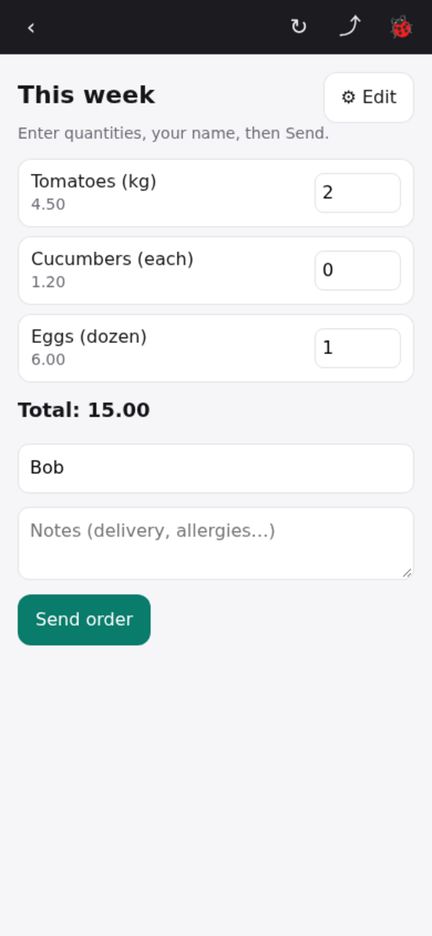
on your phoneOrders
An order form with quantities and a total. Every order lands on your phone, ready to count.
on your phonePolls and decisions
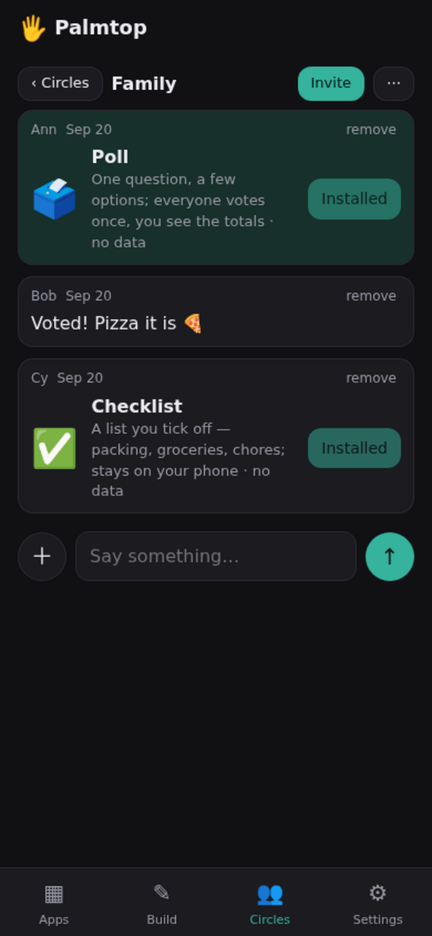
Pick a date, a place or a name for the new puppy. Everyone votes from the link, and every vote comes back to you.
on your phoneLists you share
Packing lists, chores, the weekly shopping. One list, in step on everyone's phone.
on your phoneTidy your files
Find what's filling your disk, rename a folder of photos, sort the downloads pile, all on your own computer.
on your computerLittle tools for your day
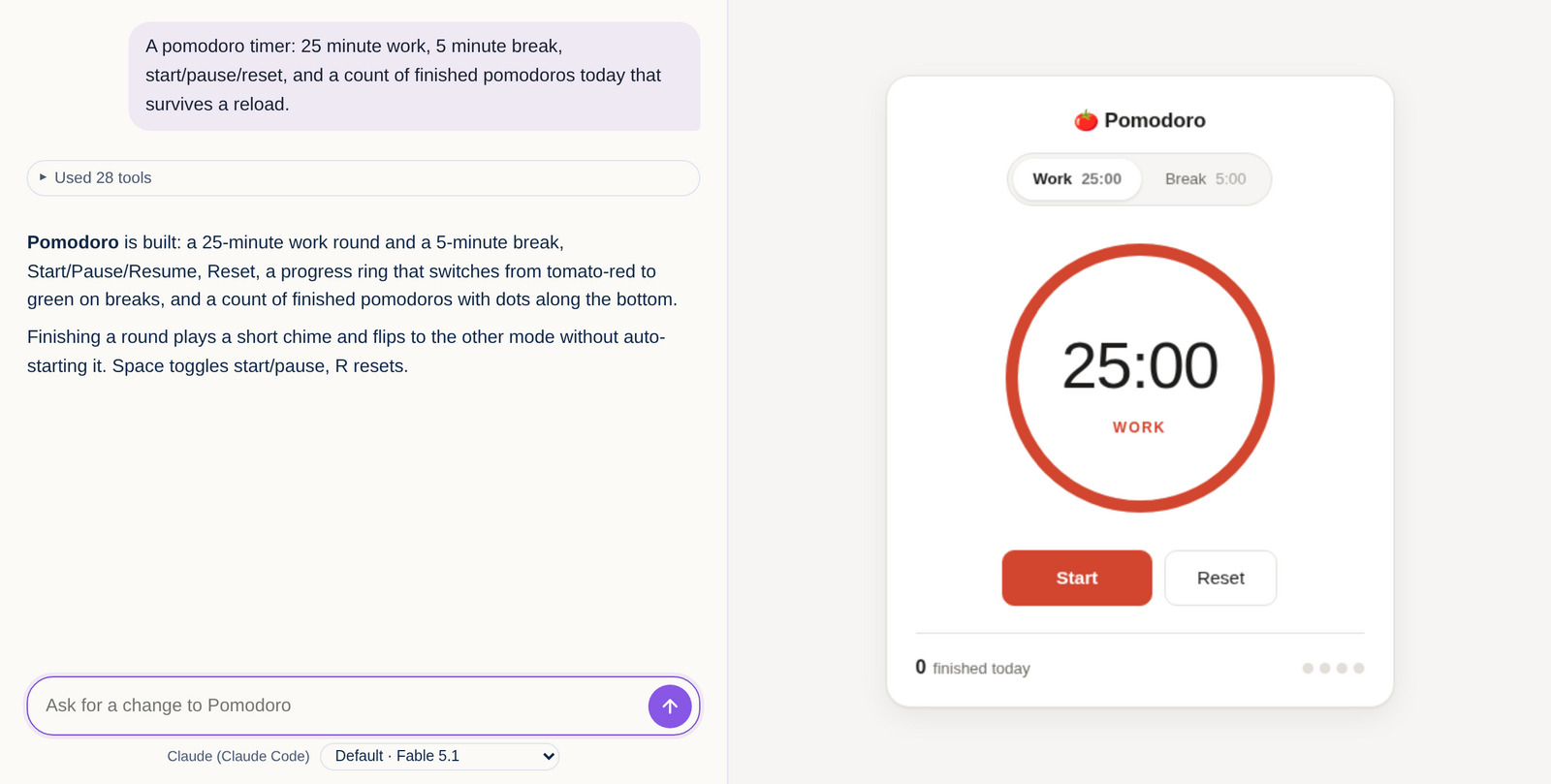
A focus timer, a tip splitter, a habit tracker, a budget for the trip. Exactly the way you like it.
phone or computerHow it works
No forms to fill in, no settings to learn. Talk to it the way you'd ask a friend who's handy with apps.
Say what you need
In your own words, with as much or as little detail as you like.
A sign-up sheet for Saturday, at most 12 players, and a waiting list.Use it right away
It's ready in about a minute. Try it, send it, start using it. The people you send it to install nothing.
Done. Share the link in the team chat.Change it by asking
Ask for what's missing. On your computer, one click undoes the last change.
Add a notes field, and make it dark.Make it, send it, get answers back
- Make apps wherever you are. Waiting for the bus is enough time.
- Share one as a link. People open it in their browser: no app to install, no account to make.
- The answers come back to you, sealed on the way, so only you can read them.
- Your apps live on your phone, and you can back them up to a file any time.
Android · iPhone (beta) · or right in your browser, no install
Tools that work with your own files
- Apps that do real work on your computer: go through a folder, sort files, crunch a spreadsheet, keep your notes.
- All your apps in one window. Open it and they're there; click one to use it.
- They stay on your computer. Nothing is uploaded unless you ask for an app that sends something.
- It makes your phone better too: your phone can use it to make bigger apps, and keep a copy safe.
macOS · Windows · Linux · free
Yours, and private
What you make, and what people send back to you, belongs to you.
Questions
Do I need to know how to code?
No. You describe what you want in everyday words, and change it the same way.
What does it cost?
Palmtop and PriorStates Studio are free. The phone has a free starter, limited per day, to try it. For more, connect the subscription you may already have, Claude or ChatGPT, through PriorStates Studio on your computer, or add your own key in the app. There is nothing to buy from us.
Do the people I share with need the app?
No. They open the link in any browser, phone or computer, and answer. No account, no install.
Who can see what I make, and the answers?
You, and the people you send a link to. Answers travel sealed end to end, so they can be read only on your devices. Privacy policy.
Phone or computer — which one do I need?
Either one is enough to start. The phone is best for things you share; the computer for things that work with your files. With both, your phone uses your computer to make bigger apps.
What if a change breaks my app?
Tell it what's wrong, and it fixes it. On your computer you can also undo: each change is saved first, so the app goes back to exactly how it was, and what you stored in it stays.
What would you make first?
Start on whichever is closer. You can add the other one any time.