


The apps you need, made yours.
Studio is one app on your phone with the apps for your home, money, family's health, groups and business. Free, ready to use, and changed just by asking. No accounts, no ads.


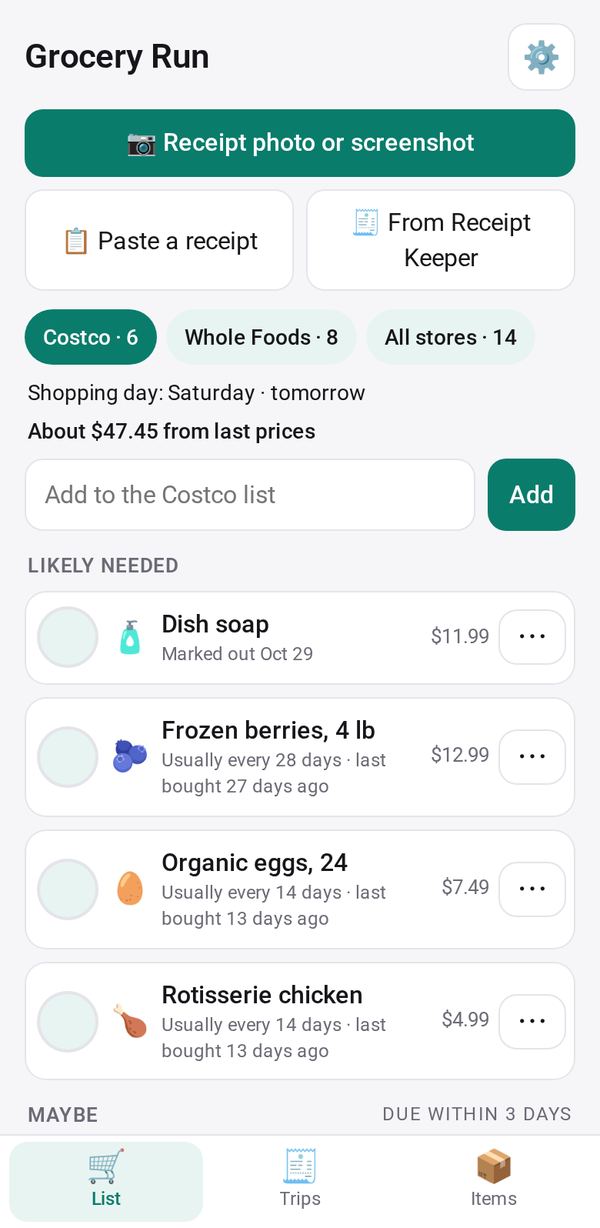 🛒 Grocery RunKnow what to buy before each grocery trip.
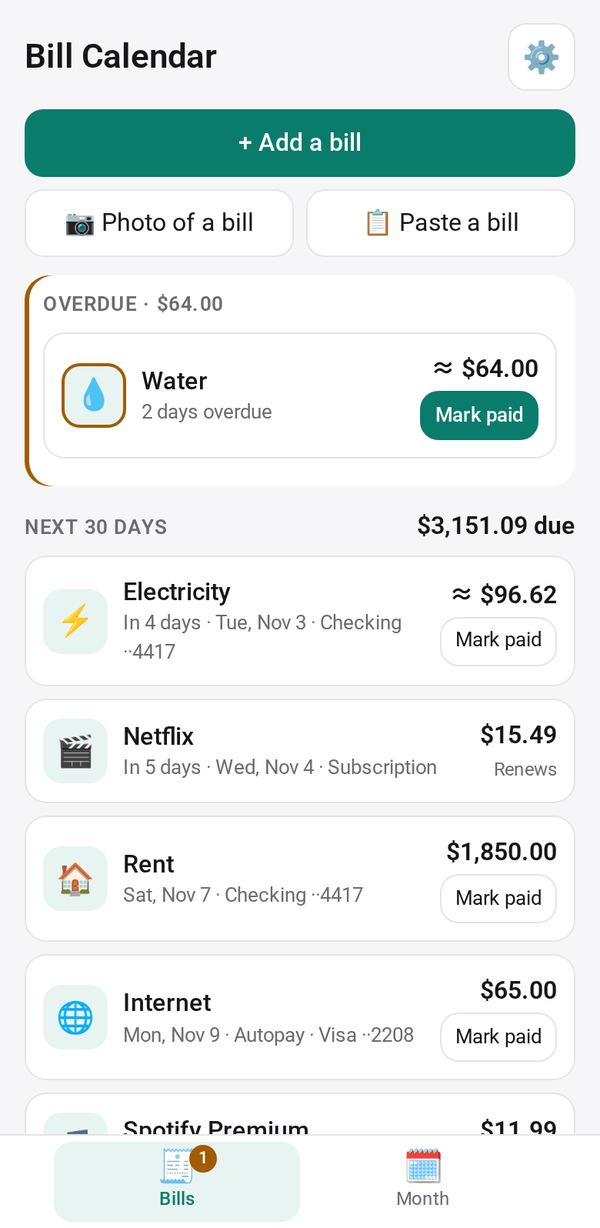 🗓️ Bill CalendarEvery bill on one calendar, with a reminder before each one.
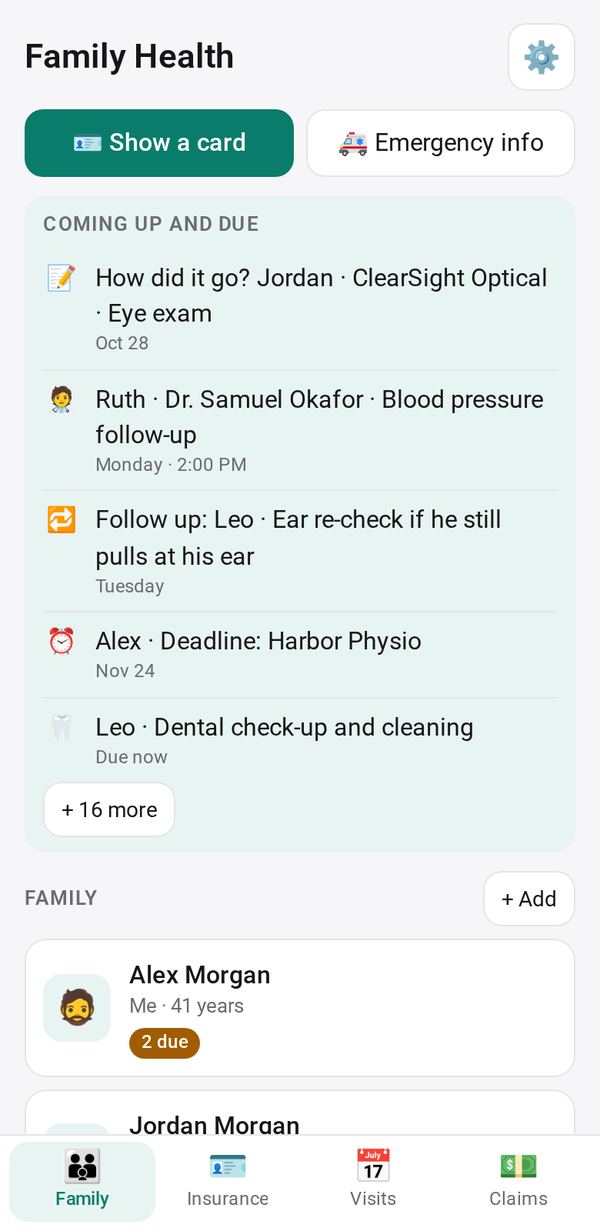 🩺 Family HealthYour whole family's health in one place.
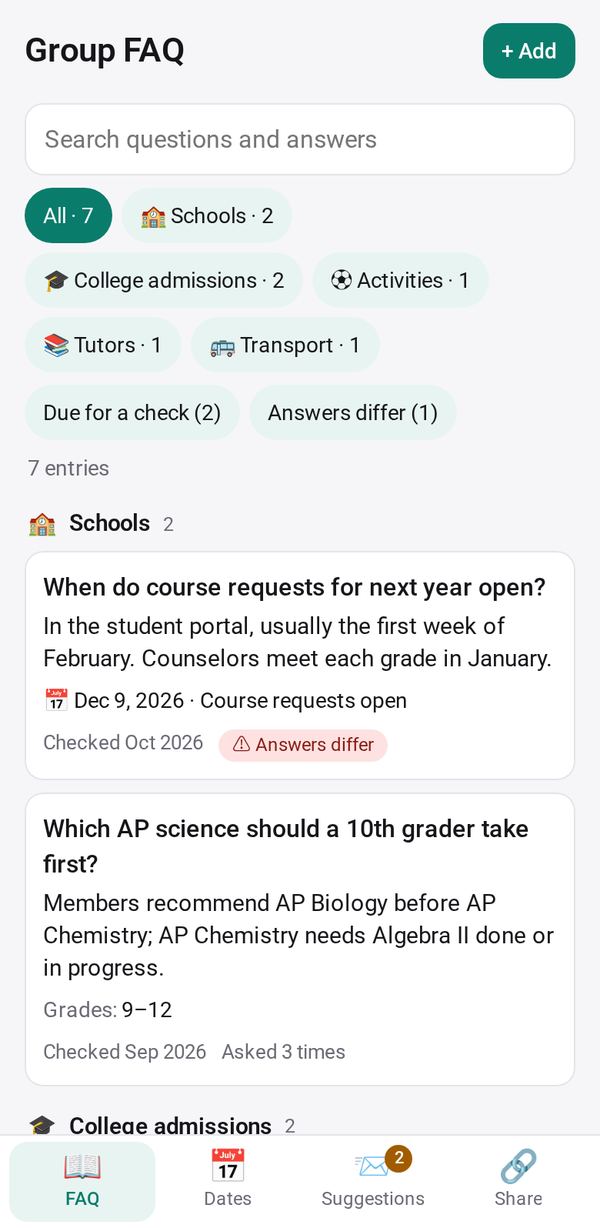 💬 Group FAQTurn a busy group chat into a searchable FAQ.
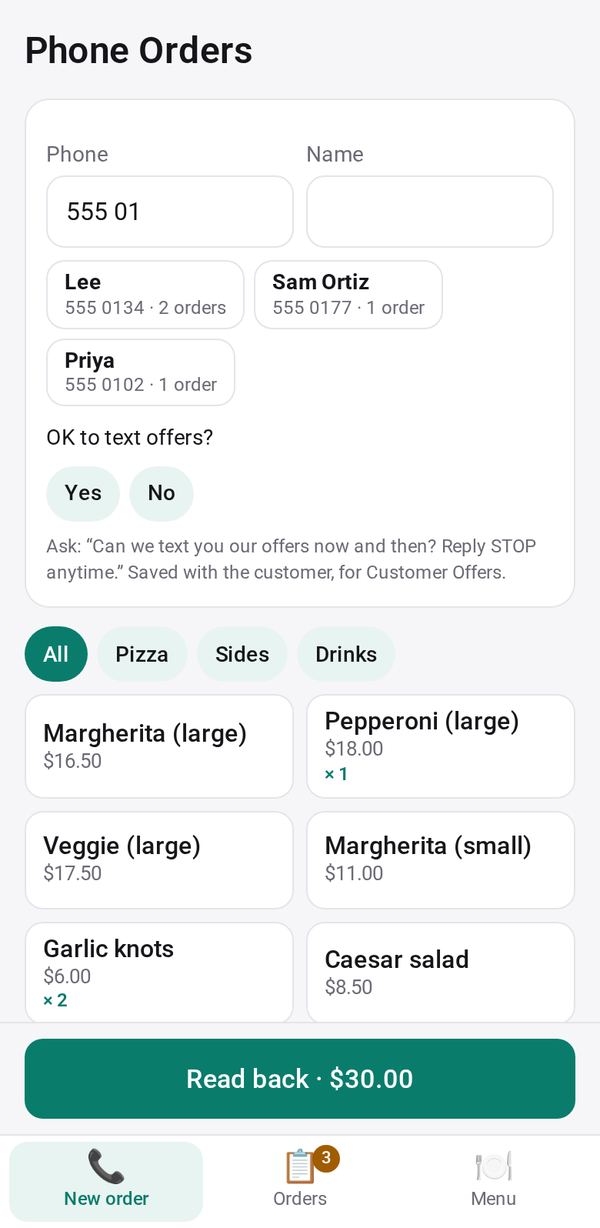 📞 Phone OrdersTake orders by phone in a few taps.
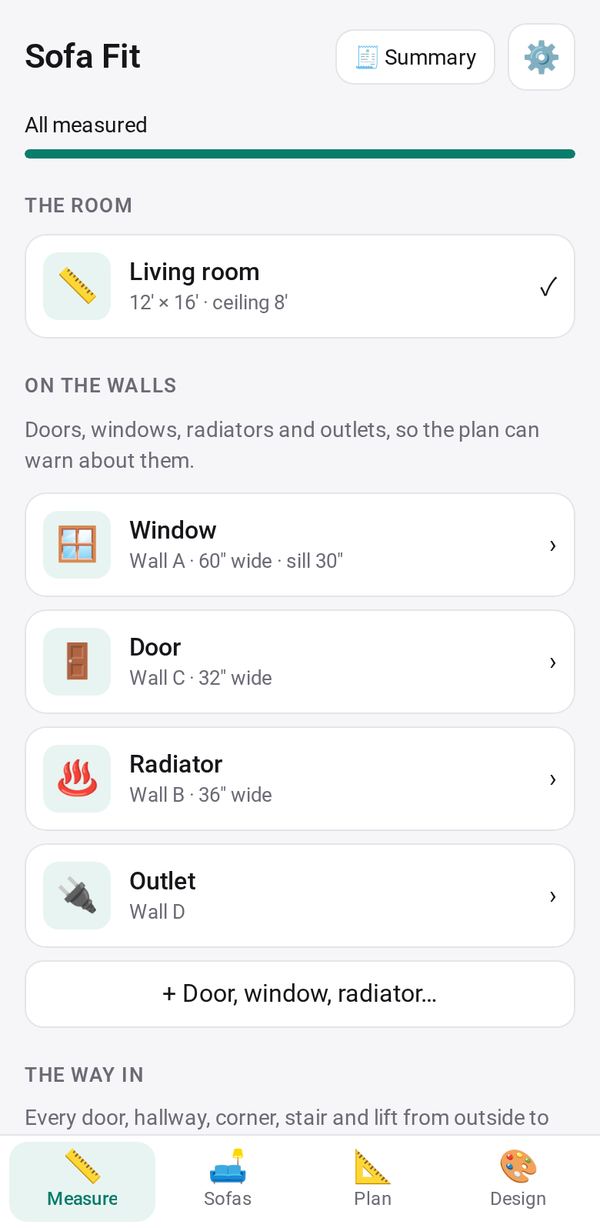 🛋️ Sofa FitKnow a sofa will fit before you buy.
Made for the moments in your day
Each one is an app in Studio, ready to use as it is. Change any of them by asking.
The Saturday grocery run
Grocery Run already knows the milk and eggs are due.
Ask: “Remind me on Saturday mornings, not Friday evenings”See the app →A bill due on Thursday
Bill Calendar reminded you on Monday.
Ask: “Show which account pays each bill”See the app →The class chat is 300 messages deep
Group FAQ has the answer, without anyone's name or number.
Ask: “Add a section for pickup times and the address”See the app →The phone rings at the café
Phone Orders takes the order in a few taps, and texts the customer when it's ready.
Ask: “Add curbside pickup, with the color of the customer's car”See the app →Will that sofa fit?
Sofa Fit checks every door, hallway and stair first.
Ask: “Add the space a recliner needs when it's fully open”See the app →The kids' check-ups
Family Health shows who's due, and when.
Ask: “Add our dog, with vet visits and shots”See the app →When nothing fits, just ask
Say what you need in your own words, and it's ready in about a minute. Share it by link, and people open it in their browser.
A bake-sale sign-up sheet, made by asking, shared by link and signed up for in the browser. With narration and captions in English.
How it works
No forms to fill in, no settings to learn. Talk to it the way you'd ask a friend who's handy with apps.
Ask
Say what you need, in your own words, with as much or as little detail as you like.
A sign-up sheet for our school bake sale: cakes, cookies and drinks, with spaces for 20 bakers.Use
It's ready in about a minute. Not quite right? Ask for a change. Every version is kept in History, ready to restore.
Add a waitlist for when the cakes are full.Share
Send one link. Parents open it in their browser, with no app to install and no account to make, and their names come back to you.
Ana Ruiz: Lemon drizzle cakeFor your business and your team
The same Studio, on the phone you already have, at the counter and in the kitchen.
For your business
Ready-made apps for a shop, café or service, on the phone you already have.
- Phone Orders: say the order after the call, and it fills itself in.
- Studio Caller ID: see who is calling, on the device where you take orders.
- Customer Offers: offers for your regulars, texted from your own phone.
- Shop, Waitlist and Bookings: orders, the wait line and appointments, each on one link.
For your team Preview, by invitation
Studio for Teams: one shared order desk for the owner, the cashier and the kitchen.
- An order taken at the counter shows on the kitchen screen within about a second.
- Each person sees only what their role needs.
- Staff join by scanning a code. Nothing to install on their phones.
On every device
Start on whichever you have. Studio is free on each of them.
Your phone or tablet
Make apps, send them, and get answers back. Android, iPhone and iPad.
Google PlayAPK · 1.0.23, 13.5 MBApp Store No Google Play? The APK is the same app, signed by Google Play.Your computer
Apps that work with your own files, and bigger builds with the AI subscription you already have, Claude or ChatGPT. Gallery apps run inside Studio or in a window of their own.
macOS, Windows, LinuxMicrosoft StoreA TV
Studio Screen puts your menu, notices or waitlist on the store's TV, kept up to date from your phone. For Google TV and Android TV.
For your storeStudio ScreenYours, and private
What you make, and what people send back to you, belongs to you.
Questions
Do I have to make apps myself?
No. Start with an app from the Gallery and use it as it is, or pick a ready-made space for your home, your group or your business. When you want something different, ask for the change, or ask for a new app.
What does it cost?
Studio is free, on your phone and on your computer. The ready-made apps work without any AI. Making or changing apps uses AI: the phone comes with a free starter AI, limited per day, to try it. For more, connect the subscription you may already have, Claude or ChatGPT, through Studio on your computer, or add your own key in the app. There is nothing to buy from us.
Do the people I share with need Studio?
No. They open your link in their browser, with no app to install and no account to make. What they send comes back to you.
Who can see what I make, and the answers?
You, and the people you send a link to. Answers travel sealed end to end, so they can be read only on your devices. Privacy policy.
What if it gets something wrong?
Tell it what's wrong, and it fixes it. Or restore an earlier version from the app's History: the app goes back to exactly how it was, and what you stored in it stays.
Can I use it for my business?
Yes. The Gallery has apps for running a small business, such as Phone Orders, Customer Offers, Shop, Waitlist and Bookings, and you can change any of them by asking. Studio for small business.