
Render markdown the way it deserves.
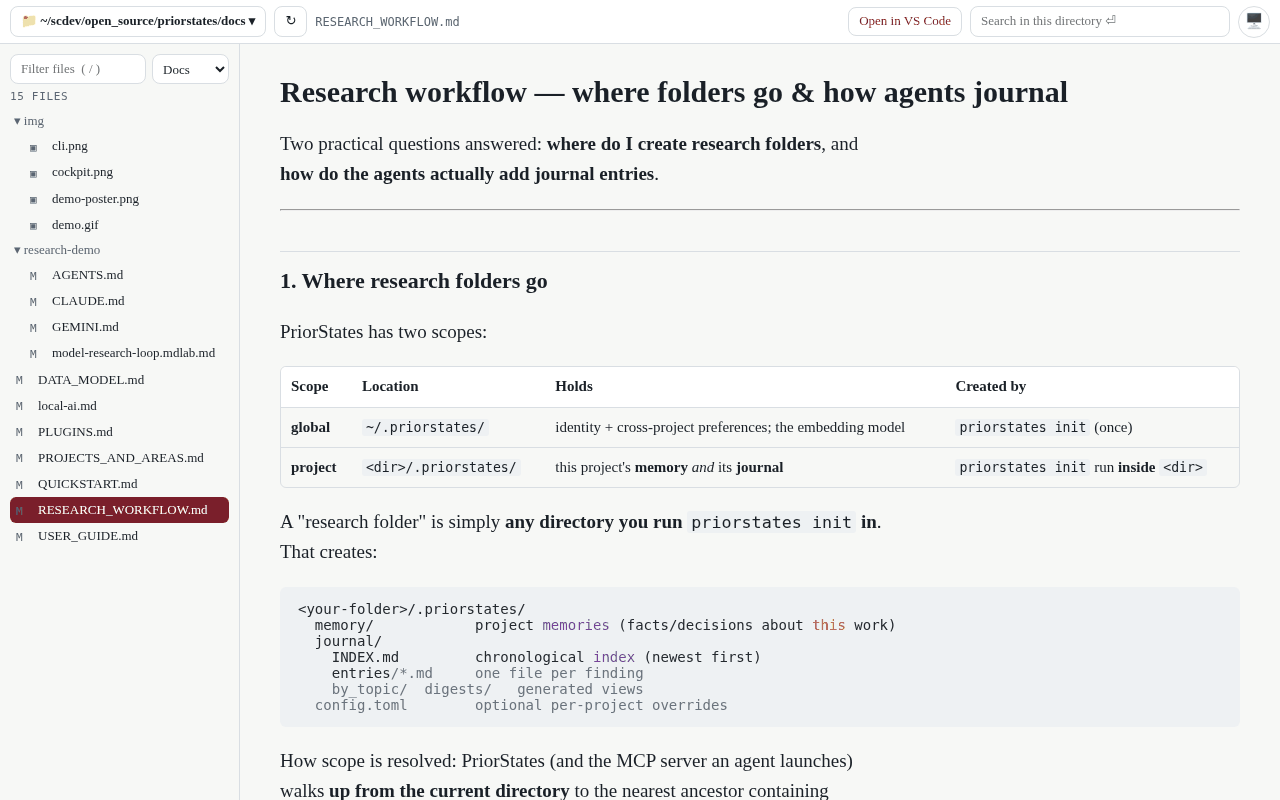
The problem. VS Code and the other IDEs manage and edit files well, and reading in them is two problems. The rendering: a markdown file is a wall of monospace, and even the preview is a plain one. The experience: every file you open is source first, and you click through to a preview, one file at a time, to see the document. That never mattered much until AI started producing markdown all day — plans, reports, notes, whole documents. Reader is the viewer those files never had: open a folder and every file is already the document, rendered properly, with the next one a click away.
What it does about it
- Reading, not editing: open a folder or a VS Code workspace and every file shows as the document — no preview menu, no second pane, no toggle. Click a file in the tree, or press j and k, and the next one is rendered before you look up.
- Rendered properly: markdown with math and Mermaid diagrams and cross-links, code with highlighting, notebooks, HTML, CSV, PDFs, images, Word, Excel and PowerPoint — with an outline of the document and search across the folder.
- Reads the folder in place, on this computer or on another one of yours over ssh with your own keys. Nothing is copied or uploaded; a change on disk shows on the next look.
- Sends you back to VS Code for the edit, from the file you are reading, with Remote-SSH when the folder is remote.
- Its reading style is yours to shape in Desk: typeface, size, measure, the panes, light or dark — said in a sentence, kept as a template.
How you get it
Reader needs the folders on your computer, so it runs through PriorStates Hub (free, macOS, Windows, Linux). Open Desk from the hub and Reader is on it; it also opens from Desk's Chrome side panel when a run leaves files behind. Python 3 on the computer is the only requirement.