
Group Order
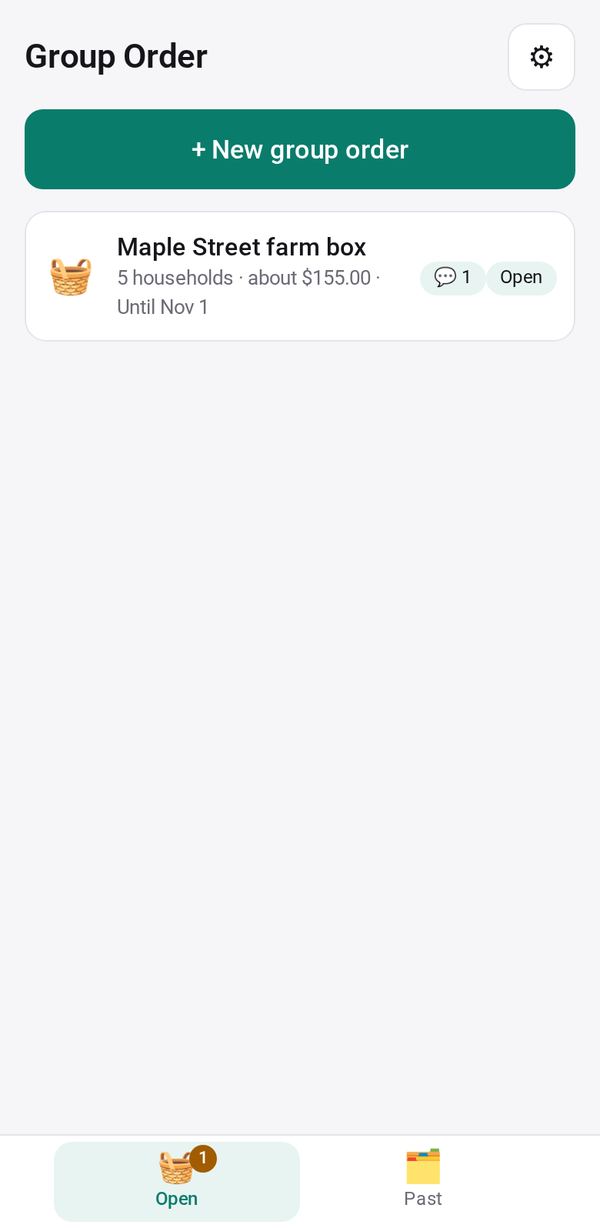
Buy together from a farm or any seller: neighbors order on one link, you send one combined order and see who paid and who picked up
- 👥 Groups & events
- Send it to people
- Version 11
- Free · no account
What it does
- Start from a farm's Order Form link or your own list
- Neighbors order in their browser, and you send one combined order
- See who paid and who picked up
The people you send its link to open it in any browser, with nothing to install and no account. What they send comes back sealed, so only you can read it.
How to start
- Open Studio on your phone, on the web or on your computer, and tap Gallery (or the Find an App tile).
- Find Group Order under Groups & events, and tap Add.
Try it with example data (in your browser, nothing is kept) · Open it in Studio on the web
Using it needs no AI. New to Studio? Get started.
Main tasks
Start a round
Paste a farm's Order Form link and tap Load, or type your own items with prices. Add a minimum and an order-by date.
Send it to your neighbors
Tap Send link, Copy or Circle. Each household orders in their browser and sees the group's progress toward the minimum.
Send the group's order
When orders are in, tap "Send the group's order" to place one combined order with the farm, or share it as a message. This closes the round.
Hand out and track
Mark each household Arrived and Picked up, and print "🖨 Pickup list". Confirm paid when a household says they paid, or tap Paid.
Collect payments
Tap "💳 Collect payments" to send each household a request for their share.
Make it yours
Ask Studio: “Add pickup times for each family to choose from”
Hold the app and tap Edit with AI, then say what to change in plain words. Every version is kept in History. How to ask well.
In these ready-made spaces
- 🧺 Farm & market (Your business)
- 🤝 Clubs & groups (Groups and work)