
Poll
Ask a question, send a link, and watch the votes come in; people vote in their browser, nothing to install
- 👥 Groups & events
- Just for you
- Version 12
- Free · no account
What it does
- One question, a few options
- Everyone votes from the link or a printed QR sign
- You see the totals
How to start
- Open Studio on your phone, on the web or on your computer, and tap Gallery (or the Find an App tile).
- Find Poll under Groups & events, and tap Add.
Try it with example data (in your browser, nothing is kept) · Open it in Studio on the web
Using it needs no AI. New to Studio? Get started.
Main tasks
Start a poll
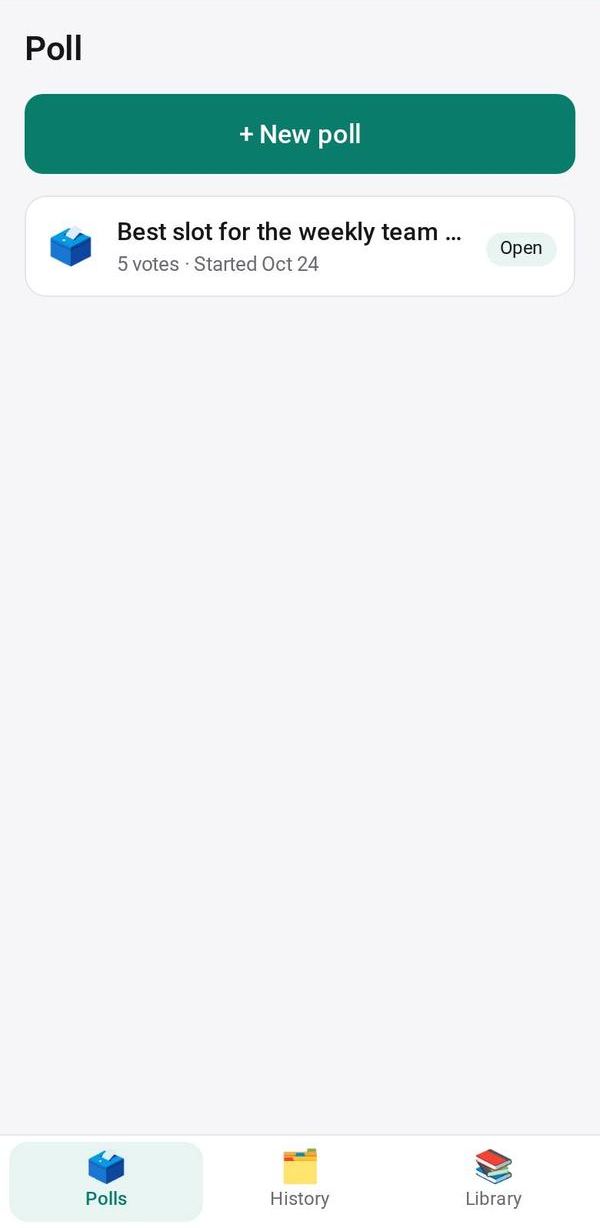
Tap "+ New poll" and pick a ready-made one such as "Which day works?" or "Where shall we eat?", one of your templates, or a blank poll. Choose one answer or several, and whether names are asked.
Send the link
Tap Send link or Copy, or show the QR code and "🖨 Print a sign" for a poster or a slide. People vote in their browser.
Watch the results
Votes appear as bars, with names unless the poll is anonymous. You choose whether voters see the results after voting.
Close and keep the result
Tap Close voting. The final result moves to History. New round starts a new poll from this one.
Save a template
Tap Save as template on a poll you will run again. Find it in the Library tab.
Make it yours
Ask Studio: “Let people pick more than one option”
Hold the app and tap Edit with AI, then say what to change in plain words. Every version is kept in History. How to ask well.
In these ready-made spaces
- 🏫 School office (Your business)
- ✏️ Student (You and your family)
- 🤝 Clubs & groups (Groups and work)
- 🎓 Class & alumni (Groups and work)
- 💼 At work (Groups and work)