
Sofa Fit
Know a sofa will fit before you buy: through every door, hallway and stair, and in the room on a plan drawn to scale, with colour ideas from a photo
- 🏠 Home & family
- Just for you
- Version 1
- Free · no account
What it does
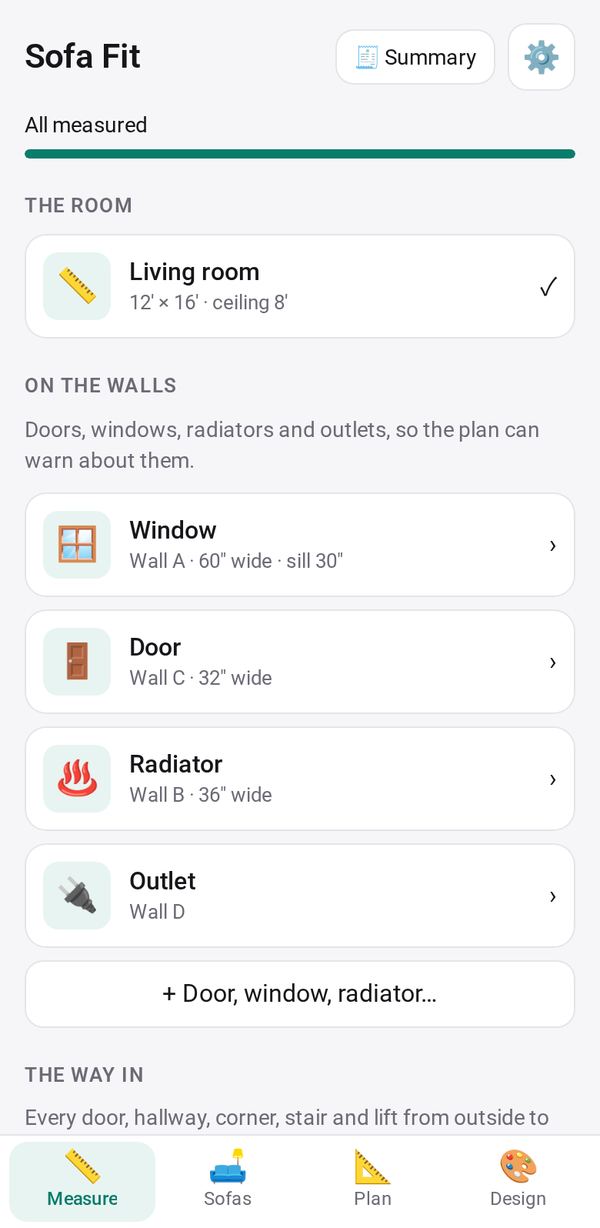
- Measure the room and the way in, step by step
- Read a sofa's size from a listing or a screenshot, and check every door, hallway, stair and lift
- See it in the room on a plan drawn to scale, get color ideas from a photo, and share one summary
How to start
- Open Studio on your phone, on the web or on your computer, and tap Gallery (or the Find an App tile).
- Find Sofa Fit under Home & family, and tap Add.
Try it with example data (in your browser, nothing is kept) · Open it in Studio on the web
Using it needs no AI. New to Studio? Get started.
Main tasks
Measure the room and the way in
In the Measure tab, enter the room's size and its doors, windows and radiators. Then add each step of the way in: doors, hallways, corners, stairs and lifts.
Add a sofa
In the Sofas tab, paste a product listing (📋) or a screenshot (📷), and its size is read into the form for you to check. Each sofa shows whether it fits through every step, and how.
Plan the room
In the Plan tab, drag, rotate and resize the sofa and other furniture on a plan drawn to scale. Checks flag walkways, door swings and TV distance. Save the plan as an image or print it.
Get design ideas
In the Design tab, add a photo of the room for its colors, and ask the AI for sofa colors, fabrics, rug size and placement. Keep or Discard the advice.
Share the summary
Open 🧾 Summary to see the room, the chosen sofa, every check and the plan. Share it as text, copy it or print it.
Make it yours
Ask Studio: “Add the space a recliner needs when it's fully open”
Hold the app and tap Edit with AI, then say what to change in plain words. Every version is kept in History. How to ask well.
In these ready-made spaces
- 🏡 Home & family (You and your family)