
Store Music
Play music that fits the time of day in your store, at the right volume, from opening to closing
- 🏷️ Sell & side business
- Just for you
- Version 3
- Free · no account
What it does
- Calm in the morning, livelier at lunch: music set by the time of day
- The right volume for each part of the day, from opening to closing
- Plays music files you have the rights to play in your business
How to start
- Open Studio on your phone, on the web or on your computer, and tap Gallery (or the Find an App tile).
- Find Store Music under Sell & side business, and tap Add.
Try it with example data (in your browser, nothing is kept) · Open it in Studio on the web
Using it needs no AI. New to Studio? Get started.
Main tasks
Confirm your rights and add music
In the Music tab, tick that you have the rights to play the files in your business, then tap "+ Add music files".
Assign music to times of day
Tap the time-of-day chips on each track: morning, midday, afternoon or evening. A track with none plays at any time.
Set times, volumes and hours
In the Times tab, set when each part of the day starts and ends, its volume, and your opening hours for each weekday.
Start the music
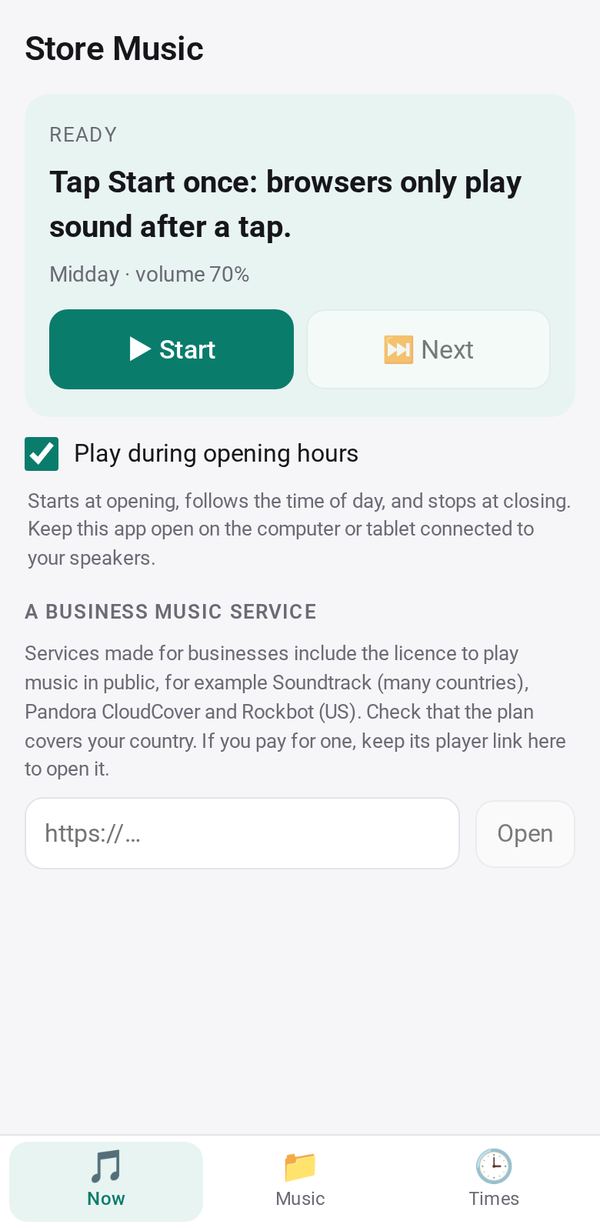
On the computer or tablet connected to your speakers, open Now and tap Start. It plays during opening hours, follows the volume and fades out at closing. Use Pause and Next as needed.
Make it yours
Ask Studio: “Play only instrumental music on Sunday mornings”
Hold the app and tap Edit with AI, then say what to change in plain words. Every version is kept in History. How to ask well.
In these ready-made spaces
- ☕ Café (Your business)
- 💇 Salon & services (Your business)