Docs › Studio › Studio on your computer
Discuss, Notes and Code
Next to Build, an app's side panel has three more tabs. A space has the same panel.
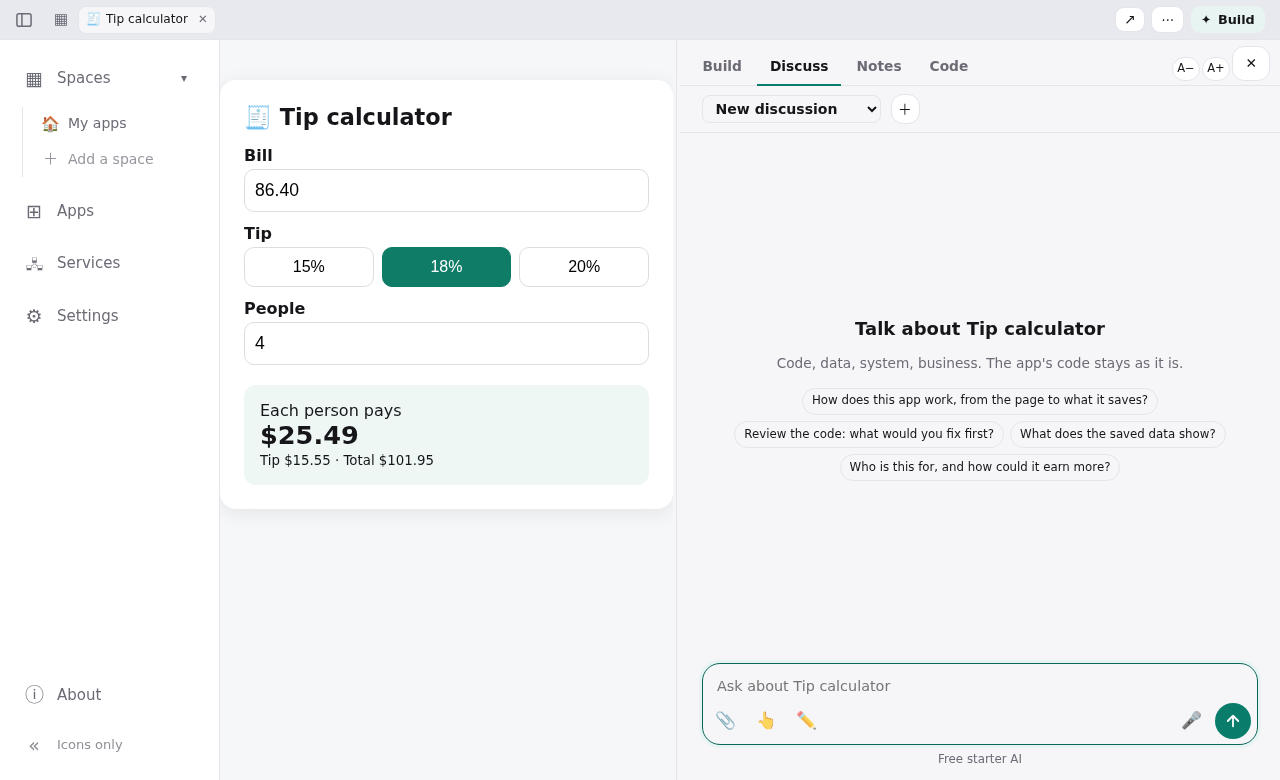
Discuss: talk it through, without changing anything
Discuss is a conversation about the app. It covers its code, its data, how the system fits together, and the business around it. The app's code stays as it is.
- What it can see. The AI reads the real files, the app's saved data, its log and what the app shows right now.
- What to ask. For example:
- How does this app work, from the page to what it saves?
- Review the code: what would you fix first?
- What does the saved data show?
- Who is this for, and how could it earn more?
- Threads. Each discussion is a thread. + starts a new one, ✎ renames it, 🗑 deletes it.
- Documents. When an answer is worth keeping, the AI writes a document (an analysis, a plan). Documents stay beside the app and show in the space's Documents view.
- Use in Build → sends an answer, or the part you selected, to Build as your next ask.
- Keeping going. A long answer carries on even if you close the window, and you are told when it is ready.
Notes: facts the AI should know
Notes are written in plain text, or Markdown with Preview. There are three levels:
- Studio notes (in Settings): facts for everything on this computer. For example, your business, your servers, how you sign in, and who to ask.
- Space notes: facts for one space.
- App notes: facts for one app.
The AI reads them whenever it builds or discusses. Passwords, keys and tokens are hidden from it, and the footer says how many. Notes save as you type, and Undo goes one save back.
Code: see how the app is made
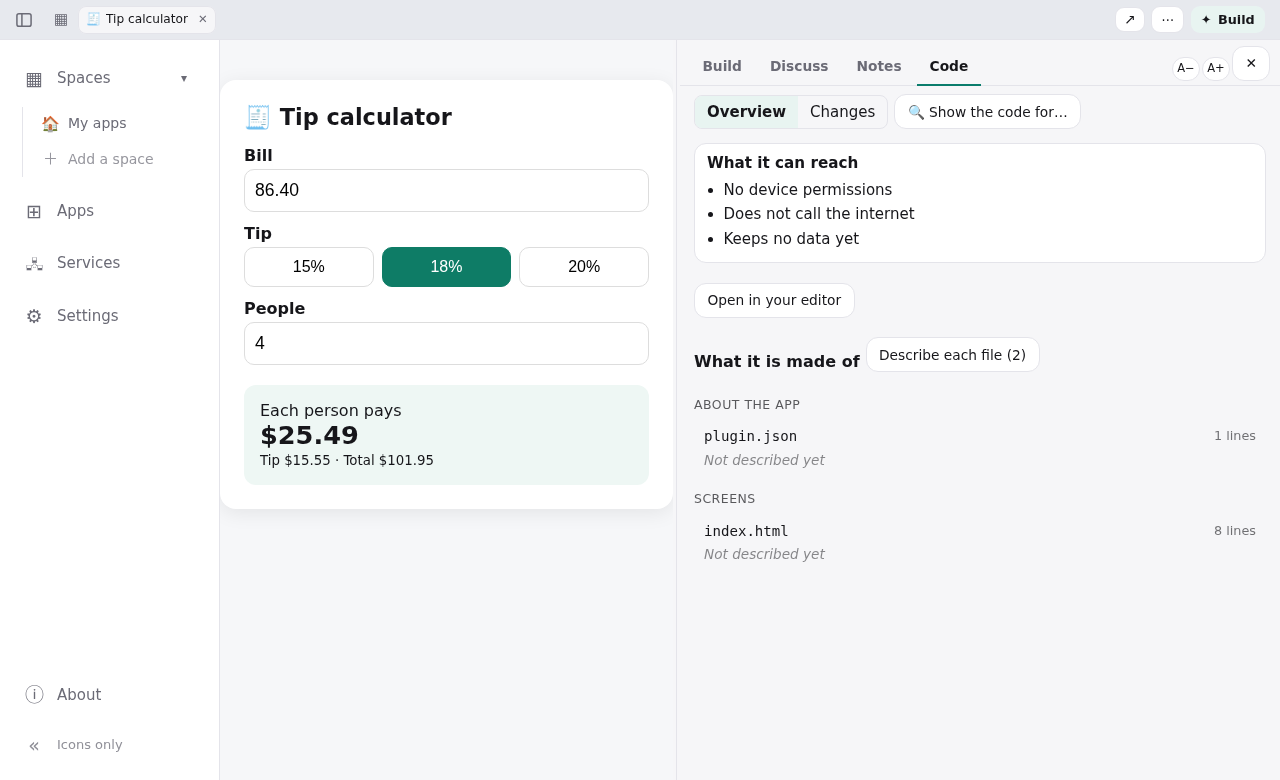
- Overview:
- What it can reach: device permissions, the internet addresses it calls, what data it keeps, what it shares.
- What it is made of: its files by role, each with a short description (Describe each file asks the AI to write them).
- 🔍 Show the code for…: click something in the running app to jump to where it is made.
- Changes: what changed and when.
- In a file:
- search;
- ✎ Edit by hand (Save checks it; Undo this save and Ask the builder to fix it are offered);
- Open in your editor.
- Selected lines: Ask about these lines or Change these lines.
- Settings: when the app keeps its settings in one place, Change settings… shows them as a form.
Apps from outside (the Gallery, other people) are read-only here. Make your own copy to change one.